Opencv
An Brief Introduction
Introduction to OpenCV

Text
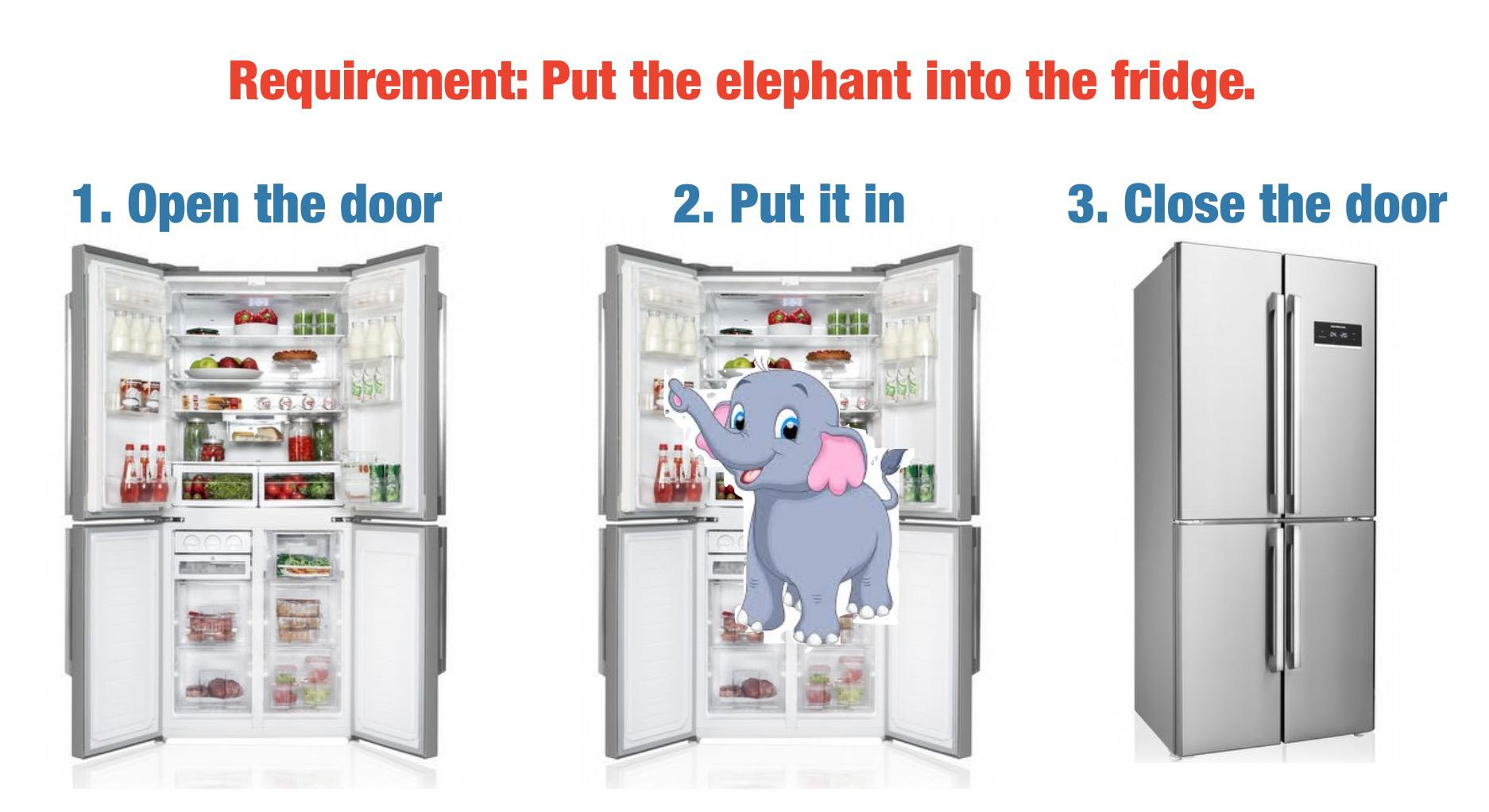
https://www.reddit.com/r/ProgrammerHumor/comments/dw1yoj/my_requirement_is_fairly_easy_and_i_already_have/


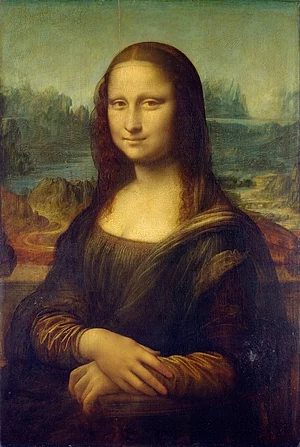
1. Load an Image
2. Process
from wikipedia

3. Save the Result
Opencv working flow
0. Install OpenCV
import sys

# 1. opencv dependencies
!{sys.executable} -m pip install numpy matplotlib \
  -i https://pypi.tuna.tsinghua.edu.cn/simple/

# 2. install opencv full package (contains both main modules and contrib/extra modules)
!{sys.executable} -m pip install  opencv-python  opencv-contrib-python \
  -i https://pypi.tuna.tsinghua.edu.cn/simple/

# 3. optional extend jupyter. then enable toc in Nbextensions Tab
# !{sys.executable} -m pip install jupyter_contrib_nbextensions \
#   -i https://pypi.tuna.tsinghua.edu.cn/simple/
1. Open an Image
import cv2

image = cv2.imread('images/sjtu.jpeg')

h, w = image.shape[:2]
print(f"Height = {h}, Width = {w}, shape={image.shape}")
#> Height = 449, Width = 598, shape=(449, 598, 3)

type(image)
#> numpy.ndarray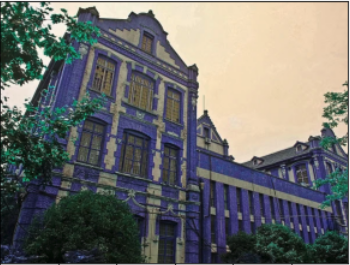
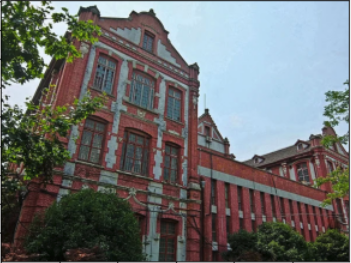
image = cv2.imread('images/sjtu.jpeg')

# Converting BGR color to RGB color format
rgb_image = cv2.cvtColor(image, cv2.COLOR_BGR2RGB)
1. Open an Image
2. Process
rgb_image = cv2.imread('images/sjtu.jpeg')
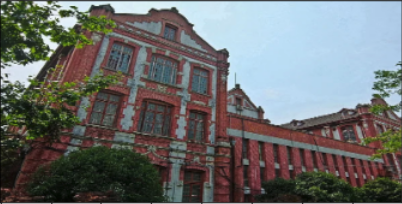
rgb_image = cv2.cvtColor(image, cv2.COLOR_BGR2RGB)

# Resizing the Image
image2 = cv2.resize(rgb_image, (400, 200))
3. Save the Result
import matplotlib.pyplot as plt
plt.imshow(image)

# Save file
image_to_be_saved = cv2.cvtColor(image, cv2.COLOR_RGB2BGR)
cv2.imwrite("images/file-saved.jpg",image_to_be_saved)
import cv2
import matplotlib.pyplot as plt
import torch
image_sjtu = cv2.imread("images/sjtu.jpeg")
image_sjtu = cv2.cvtColor(image_sjtu, cv2.COLOR_BGR2RGB)
# 1. to pytorch
tensor = torch.from_numpy(image_sjtu)
# 2. process (do some funny)
# xxxxxxx
# 3. convert tensor to numpy
image = tensor.numpy()
plt.imshow(image)3. Save the Result
Example
import cv2
import matplotlib.pyplot as plt
import torch

# 1. read image
image_sjtu = cv2.imread("images/sjtu.jpeg")
image_sjtu = cv2.cvtColor(image_sjtu, cv2.COLOR_BGR2RGB)

# 2. process
image_texed = cv2.putText(
    image_sjtu,
    'I Love SJTU',
    (20, 230),  # position (x, y)
    cv2.FONT_HERSHEY_SIMPLEX, # font
    2.8, # scale
    (255, 128, 0), # color
    10 # thicknell
)

# 3. output result
plt.imshow(image_texed)

Thank You!
Questions?